WACrew
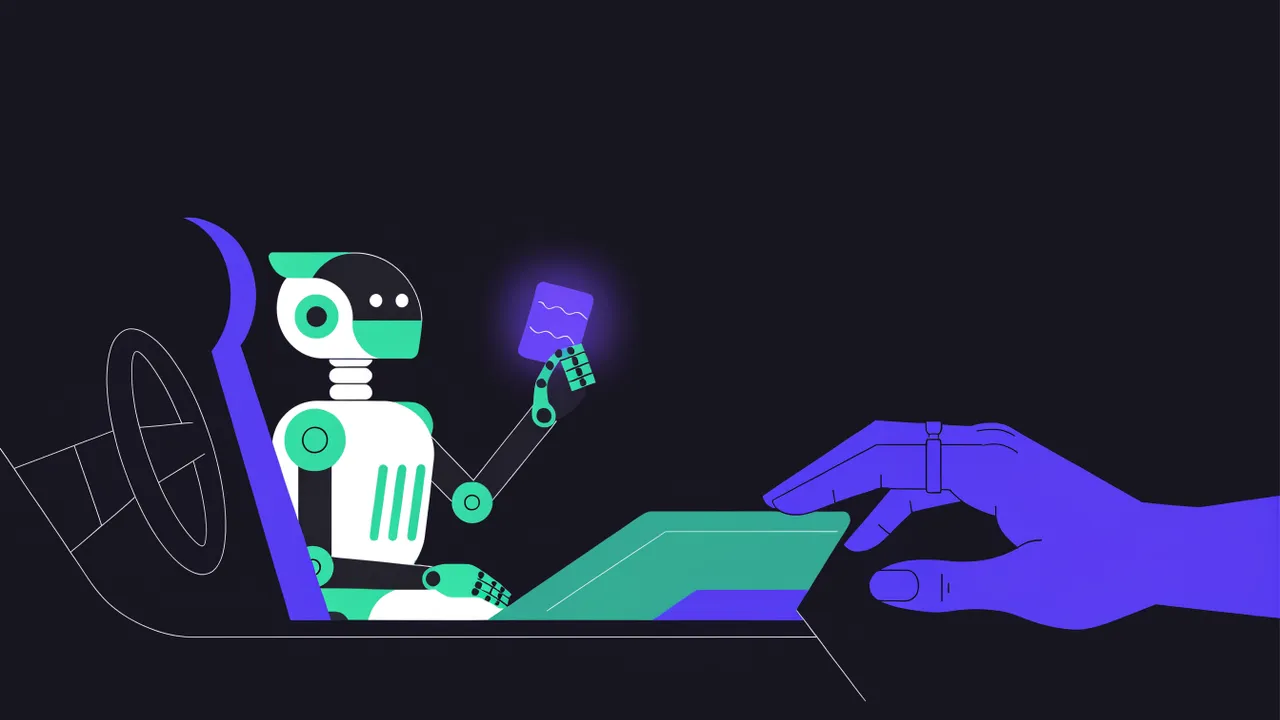
There are two ways to put AI into WhatsApp support. In the first, the AI answers on its own and you find out later what it said. In the second, the AI does the heavy lifting (reading the history, understanding the request, drafting the reply) and you only approve, tweak or discard. The second one is called an AI copilot for customer support.
For people serving project clients, with long relationships and a topic that changes every day, a copilot usually pays off more than a chatbot. This post explains why, how to set up the flow and where it still slips.
A copilot is not a chatbot
The difference is who decides.
| Chatbot | Copilot | |
|---|---|---|
| Who sends | The AI, straight to the client | You, after reading the suggestion |
| Good for | Repeated questions, high volume | Conversations with context, clients you know |
| Risk | A wrong promise goes out unseen | You need to be around to approve |
| Gain | Takes you out of the conversation | Cuts the time spent reading and writing |
Flow chatbots (menus with numbered options) and AI agents that answer on their own make sense for shops and first-line support. The WhatsApp AI agent platforms comparison covers those. When every client has a different project, the AI alone does not know what was agreed in yesterday's meeting or which deadline you can promise. The copilot handles the slow part and leaves the decision with the person who knows.
What a good copilot does
Reads the whole conversation before suggesting. Including voice notes, transcribed, and messages from other people in the group. A suggestion based only on the last message misses the context.
Points out what is still open. Sometimes the client asked three questions across four messages and the most important one was the first. A good copilot lists what has not been answered before drafting.
Summarizes when you arrive late. If the group moved fifty messages while you were in a meeting, your first question is "what happened here?".
Drafts in your voice. A suggestion that sounds like a bot takes more work to fix than writing from scratch. WhatsApp AI automation that sounds human explains how to measure your style.
Suggests the next step. A follow-up reminder for the client who went quiet, a question that unblocks an approval.
How to set up the approval flow
The flow that works is short:
- A message arrives. The conversation enters the queue by wait time.
- The AI prepares. It reads the history, transcribes any audio, lists what is still open and writes one or more versions of a reply.
- You review. Approve, change a word or discard. That takes seconds when the draft is good.
- The message goes out at a human pace, with a read receipt and typing, not two seconds after the question.
Step 3 is where the copilot pays for itself. Reading the history and writing takes minutes. Reviewing a good draft takes seconds.
When to let the AI reply on its own
A copilot does not have to be all or nothing. A safe route is turning on automatic replies per conversation, where the risk is low: a client who only asks for status updates, a group where questions are technical and you trust the answers. Keep any conversation about money, deadlines, new scope or an unhappy client in approval mode.
The WACrew copilot
In WACrew, every chat defaults to Confirm mode. The AI prepares the reply and nothing goes out without your OK. The flow above is the normal behavior:
- before writing, the AI pulls the recent style of the conversation and what the client left open;
- it can write two or three versions, and a code review picks the one that fits best and blocks bot habits;
- sending has human latency, with a read receipt and typing, and stops on its own if the client writes again or you reply from your phone.
The panel also has a conversation copilot, switched on per client, that summarizes, drafts, suggests and reminds you to follow up, using the notes you keep about that client. It works with the Anthropic API or any OpenAI-compatible API, your choice. Autonomous mode exists, but it is turned on chat by chat, never for everything at once.
Where copilots still get it wrong
Making commitments. AI tends to be overly helpful. "Sure, I'll send it tomorrow" is a promise you never made. Check deadlines and prices carefully.
Agreeing too fast. When the client suggests something new, the draft can come back with "great idea, let's do it" and no cost or timeline. New scope is your decision.
Not knowing what only you know. What was said on a call, in a meeting or on another channel is not in WhatsApp. A short note per client fixes most of that.
FAQ
Is an AI copilot the same thing as an agent? An agent can act on its own. A copilot suggests and waits for your approval. Many tools, WACrew included, do both, chosen per conversation. More on agents in the WhatsApp AI agent page.
Can I use a copilot on a personal WhatsApp? Yes, if the tool connects to your account. WACrew links with a QR code, like WhatsApp Web.
How much time does it save? It depends on the volume and on how often the draft is right. The biggest gain shows up in client groups with a lot of history, where reading takes longer than replying.