WACrew
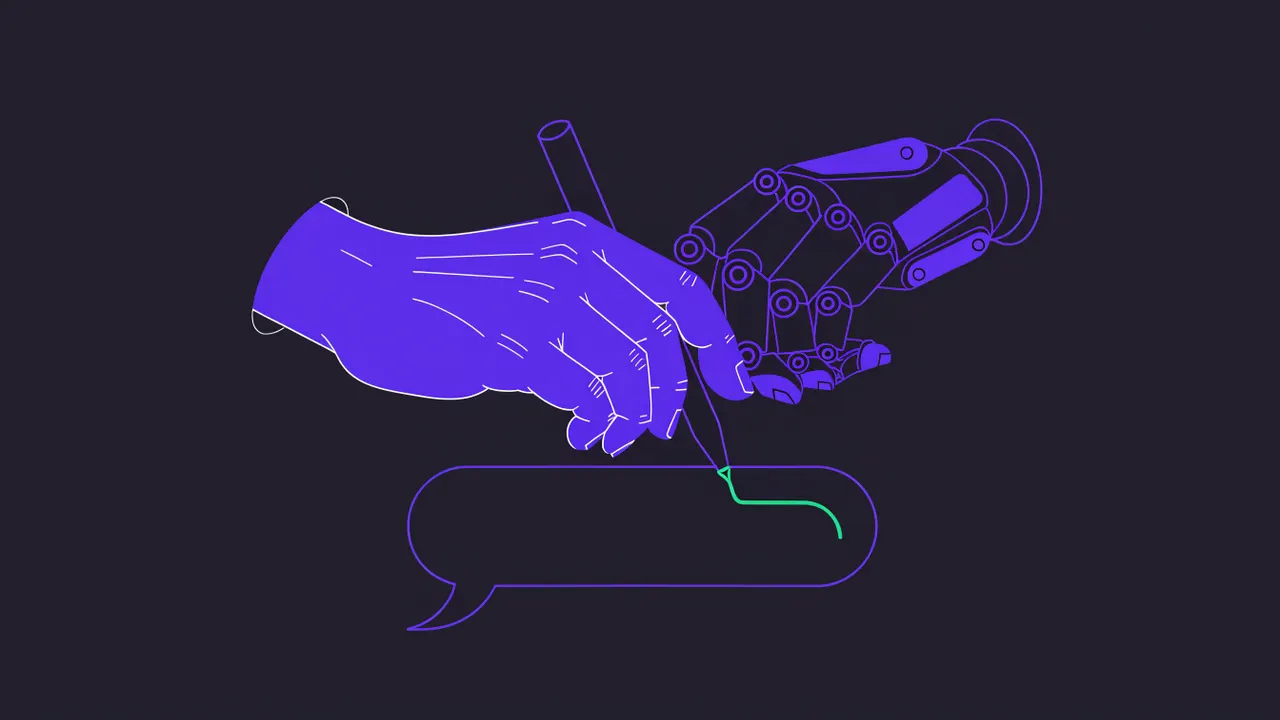
Every WhatsApp AI automation promises to save time. The problem shows up in the third message. The client reads "Hi there! I completely understand your needs 😊" and knows right away nobody is on the other side. For a shop answering price questions, that might be fine. For someone serving project clients who know you by name, the relationship cools down.
The gap between automation that sounds like a bot and automation that sounds like you is not the AI model. It comes down to four product decisions: where the style comes from, what is blocked before sending, how the message is delivered and who decides what goes out. This article walks through each one. For a full list of the phrases that give generated text away, see the tells that make AI text read like a bot.
What gives a bot away on WhatsApp
Before the fix, the symptoms. Almost all of them show up together in a generic auto-reply.
- The same opening every time. "Hi, how are you?" on every message, including the fifth one in the same conversation.
- A receipt before the content. "I received your message about the report" is the fastest way to sound like a call center.
- Empty agreement. "Great question!", "Totally understood", and nothing about what was understood.
- Over-apologizing. Asking forgiveness three times for the same delay sounds rehearsed and weakens the writer.
- Formal punctuation. A colon introducing a list, one long sentence in a single bubble, a period at the end of everything. Few people write like that on a phone.
- Impossible speed. Three paragraphs landing two seconds after the question, at 3am.
- Repetition. The same closing line in every conversation of the day.
Notice that none of these are grammar mistakes. They are departures from the way that particular person writes. That is why there is no generic "human tone" that solves it.
1. Style comes from your messages, not from a prompt
Asking a model to "reply in a natural, friendly way" produces exactly the text from the list above. What works is measuring how you write and using that as the reference.
You can measure very concrete things in your history. How many messages you end with a period, how you open a chat with someone you know well versus someone new, the typical length of a bubble, whether you use emoji and which ones, how often you split an idea across several bubbles. These numbers vary by client, and that is fine. You write differently to a long-time client's founder than to a new lead.
In WACrew, the AI reads the conversation history and writes with your punctuation, your openings and your rhythm, measured on your own messages. Before drafting, it checks what you used in the last messages of that chat so it does not repeat an opening or a word.
2. A code review before anything is sent
Telling the model "do not use clichés" is not a guarantee. Language models drop instructions, especially in long conversations. The reliable lock is a deterministic review, in code, that runs after the draft and before sending.
Worth blocking, in three layers.
- Hard blocks that never pass: the wrong form of address for how you talk, and reflexive self-blame instead of stating what happened.
- Signals that add up to a score: a repeated opening, the same word as your last messages, em dashes, colon-led intros, a greeting repeated within an hour, a second apology in the same message, drama and minimizing.
- A bubble identical to something you sent in that conversation a short while ago.
If the score goes over the limit, the message goes back to be rewritten and nothing is sent. A good calibration uses your own history as the ruler: the review should reject almost nothing that you yourself wrote. The generic part of this review is available on its own as botsmell, an open-source linter.
3. Deliver at a human pace
Even perfect text reads like a bot if it lands instantly. People read, think, type and sometimes stop halfway.
Human-paced delivery has three parts:
- Read receipt at the right moment. The message is marked as read before typing starts, not at the same time.
- Typing at your speed. The indicator stays on for as long as you would take to write that text, and multi-bubble replies go out one at a time.
- A pause that fits the context. In an active conversation, seconds. In a cold one, minutes or hours. If the client sent a video, the time to watch it counts too.
And the most important part: delivery has to stop on its own. If the client writes again before the reply goes out, the reply may be stale. If you answer from your phone, the AI should not talk over you. In WACrew, delivery is interrupted in both cases and the AI rereads the conversation before trying again.
There is a cost, and it is worth knowing. The reply takes longer than a typical bot. If you want to come across as a busy person rather than a call center, that is the right behavior.
4. You decide what goes out, chat by chat
Automation without control is why many people switch the tool off in the first week. The design that works has two modes, chosen per conversation.
| Mode | How it works | When to use it |
|---|---|---|
| Confirm (default) | The AI drafts, you read, edit and approve. Nothing goes out without your OK | New clients, money, deadlines, problems, and any chat where you do not trust the draft yet |
| Autonomous | The AI replies on its own within the limits you set | Routine conversations with long-time clients, after a few weeks of approving drafts without edits |
Start everything in Confirm. Move a conversation to Autonomous only when its drafts are going out unedited. And always record who wrote each message (you from your phone, you from the panel, a teammate or the AI), so you can see later what happened.
What automation should not try to do
Some things are out of scope, and it is worth saying so clearly.
- Bulk messaging. WACrew connects as one more linked device on your account, through Baileys. It is not the official WhatsApp API. It is meant for people who already talk to you. Cold outreach and messages at volume can get a number blocked. The guide to WhatsApp automation without getting banned covers the rules.
- Pretending when asked. If a client asks straight out whether they are talking to an AI, it does not lie or claim to be you. It stops and hands the chat back.
- Handling sensitive topics alone. Payment chases, serious complaints and your own mistakes need you in the conversation. That is what Confirm mode is for.
How to evaluate a tool before using it
If you are comparing options, these questions separate what sounds human from what does not:
- Where does the writing style come from: a generic prompt or your messages?
- Is there a code review before sending, or only an instruction to the model?
- Does delivery have read receipts, typing and pauses, or does the reply land instantly?
- Does delivery stop if the client writes again or you reply from your phone?
- Can you approve each message and pick the mode per chat?
- Is it recorded who wrote each message?
- Is the tool clear about whether it uses the official API, and about the risk of a ban?
In practice
In an active conversation, the median time before typing starts is around 30 seconds. In a cold one, the wait grows to minutes or hours, as a person's would. How much you leave on autopilot is your call, chat by chat.
If your problem today is more about organization than about text, start with how to manage client WhatsApp groups. If you work with a coding agent, see the WhatsApp MCP server.
WACrew is free, open source (Apache 2.0) and runs on your machine. The code is on GitHub.