WACrew
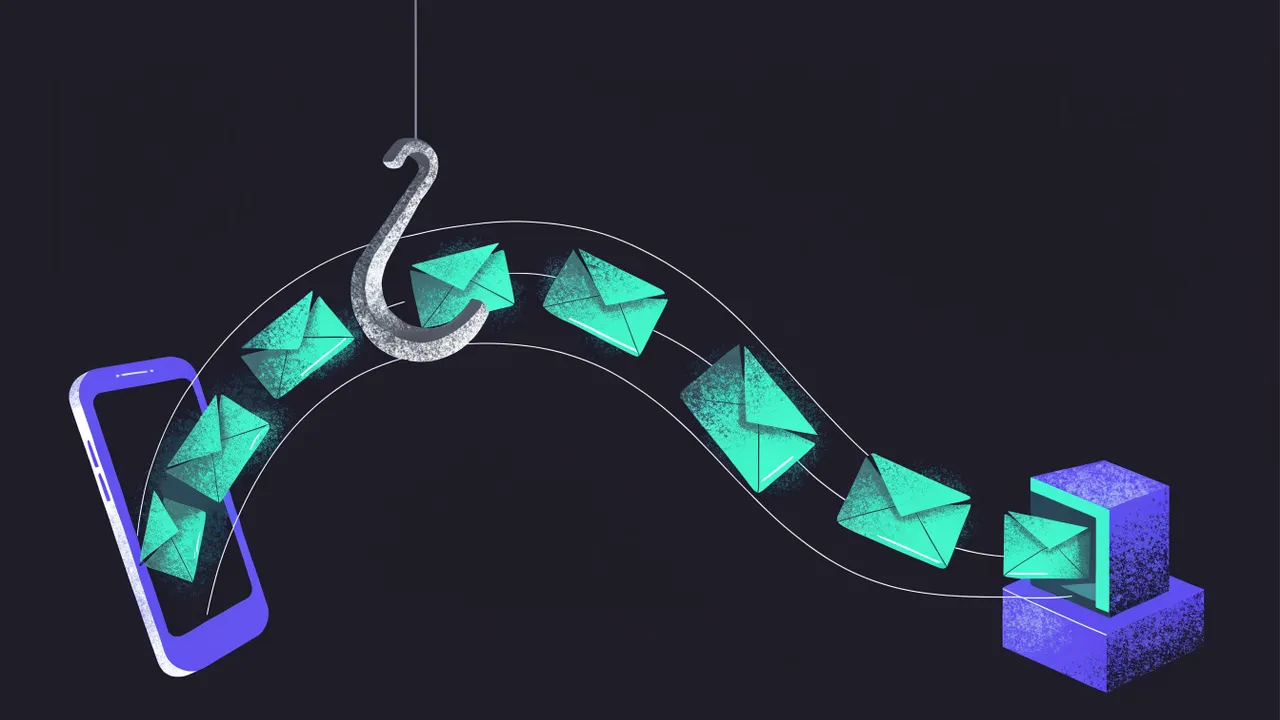
A WhatsApp webhook is an HTTP call the provider makes to an address you own whenever something happens: a message arrived, a message was delivered or read, a send failed. Instead of asking "anything new?" every second, your app gets told.
Where you meet it
On the official API (Meta's Cloud API), you register a callback URL and a verify token in your Meta app. Meta sends a verification GET (with hub.mode, hub.verify_token and hub.challenge) and then a JSON POST for each event.
On unofficial APIs such as Evolution API, WAHA or Z-API, the server that runs the WhatsApp session fires the POST to your URL. The payload differs from one to another.
WACrew does not depend on webhooks for the agent: the panel publishes events over SSE (/api/events), and the agent's watch mode listens on that connection and wakes up on every message. More in WhatsApp webhooks in practice.
Common mistake
Doing heavy work inside the webhook response. The provider expects a fast 200; if your route takes long (calls the AI, queries a database, sends a reply), it retries and you process the same message twice. Acknowledge right away, queue the event and handle it after. Use the message id to drop duplicates.
Questions
Does the webhook need HTTPS? On the official API, yes. Elsewhere, it is strongly recommended.
Can I test a webhook on my laptop? Yes, with a tunnel (Cloudflare Tunnel, ngrok) pointing at your local port.
Can n8n receive a WhatsApp webhook? Yes, with the Webhook node.
In Portuguese: webhook.