WACrew
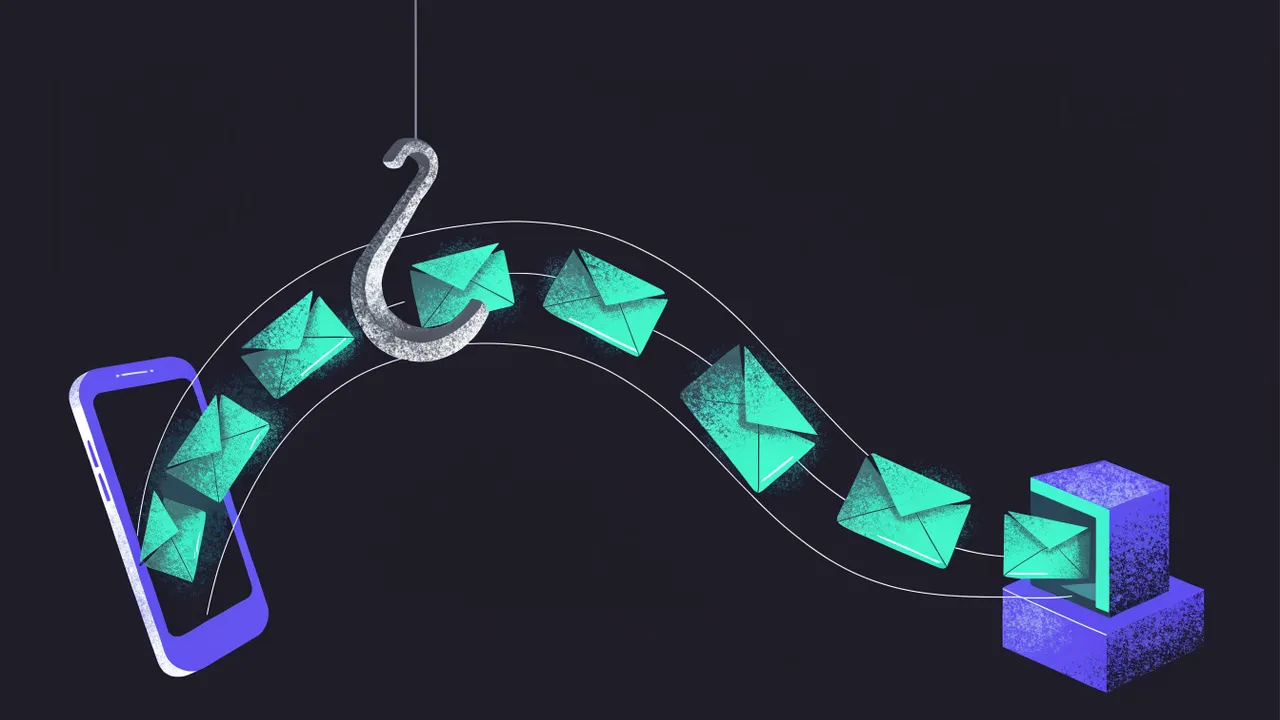
With the official WhatsApp API, you don't poll for new messages. WhatsApp tells your server, sending an HTTP request to a URL you own every time something happens. That URL is the webhook. New messages, delivered messages, read messages, all of it arrives there.
This guide covers the two requests your endpoint receives, how to confirm they really came from Meta and how to read the payload, based on Meta's webhooks getting started guide and the Cloud API webhooks reference.
What your endpoint needs
- A public URL with HTTPS and a valid certificate. The docs are explicit that self-signed certificates are not accepted.
- A route that answers GET, for verification.
- The same route answering POST, for events.
- A verify token you make up and register in the app dashboard.
- Your app's App Secret, to check event signatures.
Request 1: verification (GET)
When you register the URL in the app dashboard, Meta sends a GET with three parameters.
GET https://your-domain.com/webhooks?hub.mode=subscribe&hub.challenge=1158201444&hub.verify_token=my-token
hub.modeis alwayssubscribe;hub.challengeis a number you must send back;hub.verify_tokenis the token you registered.
Your code checks that the token matches and, if it does, responds with the value of hub.challenge. If not, it responds with an error.
Request 2: events (POST)
From then on, every event arrives as a POST with a JSON body and an X-Hub-Signature-256 header. An incoming text message looks like this (trimmed from the docs example):
{
  "object": "whatsapp_business_account",
  "entry": [{
    "id": "102290129340398",
    "changes": [{
      "field": "messages",
      "value": {
        "messaging_product": "whatsapp",
        "metadata": { "display_phone_number": "15550783881", "phone_number_id": "106540352242922" },
        "contacts": [{ "profile": { "name": "Sheena Nelson" }, "wa_id": "16505551234" }],
        "messages": [{
          "from": "16505551234",
          "id": "wamid.HBgLMTY1...",
          "timestamp": "1749416383",
          "type": "text",
          "text": { "body": "Does it come in another color?" }
        }]
      }
    }]
  }]
}
Notice the layers. entry is an array, changes is another array, and inside value you get either messages (incoming messages) or statuses (updates on messages you sent, such as sent, delivered and read). phone_number_id tells you which of your business numbers the message was for, which matters once you have more than one.
Media messages carry a type of image, audio, document and so on, with an ID you use to download the file through the API.
Validating the signature
Anyone who discovers your URL can POST to it. The signature solves that. Meta computes an HMAC SHA-256 of the request body with your app's App Secret and sends the result in the header, prefixed with sha256=. You compute the same on your side and compare.
The detail that trips most people up is that the HMAC must be computed over the raw body, the exact bytes that arrived. If your framework already parsed the body into an object and you JSON.stringify it again, the signature won't match.
A complete endpoint in Node
import express from "express";
import crypto from "node:crypto";

const app = express();
const VERIFY_TOKEN = process.env.WHATSAPP_VERIFY_TOKEN!;
const APP_SECRET = process.env.META_APP_SECRET!;

// Verification
app.get("/webhooks", (req, res) => {
  const ok = req.query["hub.mode"] === "subscribe" && req.query["hub.verify_token"] === VERIFY_TOKEN;
  if (!ok) return res.sendStatus(403);
  res.status(200).send(req.query["hub.challenge"]);
});

// Events: keep the raw body to check the signature
app.post("/webhooks", express.raw({ type: "application/json" }), (req, res) => {
  const signature = req.get("X-Hub-Signature-256")?.replace("sha256=", "") ?? "";
  const expected = crypto.createHmac("sha256", APP_SECRET).update(req.body).digest("hex");
  const valid =
    signature.length === expected.length &&
    crypto.timingSafeEqual(Buffer.from(signature), Buffer.from(expected));
  if (!valid) return res.sendStatus(401);

  res.sendStatus(200); // answer fast, process later
  const event = JSON.parse(req.body.toString("utf8"));
  enqueue(event);
});

app.listen(3000);
Two choices in this code are deliberate. The comparison uses timingSafeEqual, which doesn't leak information through response timing. And the 200 goes out before processing, because the heavy work (calling an AI model, writing to the database) belongs in a queue.
Retries and duplicates
Meta's documentation describes three behaviors your code has to survive:
- Batches. Events can arrive grouped, up to a thousand updates, but batching is not guaranteed. Handle each item in the list independently.
- Retries. If your server doesn't confirm with a
200, Meta retries immediately and then a few more times with growing intervals, for up to 36 hours. - Duplicates. Because of retries, the same event can arrive more than once. Store each message
id(thewamid) and skip what you already processed.
In practice that means answering fast, storing the event and processing it in the background with a "have I seen this ID?" check.
A recent change: user-scoped identifiers
The Cloud API reference documents that when a WhatsApp user has a username, webhooks may identify them with a business-scoped user ID, and the phone number may not be included. If your system uses the phone number as the customer key, read that part of the docs and plan for both cases.
What about unofficial APIs?
APIs that run on top of WhatsApp Web, such as Evolution API and WAHA, also deliver events by webhook, each with its own format and its own authentication. The logic is the same (answer fast, queue, deduplicate), only the fields change. We compare them in WAHA vs Evolution API, with the wider picture in best WhatsApp APIs.
If you use WhatsApp Web directly through a library like Baileys, there is no webhook at all. Events arrive over the open connection, inside your own process.
Webhook checklist
- HTTPS with a valid certificate;
- GET returns
hub.challengeonly with the right token; - Signature checked against the raw body;
- Fast
200and processing in a queue; - Deduplication by message ID;
- Handling for both
messagesandstatuses; - A log of every event received, for debugging later.
With that, your endpoint handles real traffic without losing or repeating messages. To take the project further with AI, see how to build a WhatsApp AI agent with MCP.