WACrew

In many clinics, WhatsApp is the front desk that never closes. Patients reschedule, ask whether their insurance is accepted, send a photo of a lab result, and record a voice note describing how they feel. The receptionist answers between patients, and whoever writes at 7 p.m. waits until morning. WhatsApp for healthcare has to shorten that wait without making the patient feel they hit a robot.
WACrew is not a menu chatbot. It is an inbox that sorts conversations by wait time, plus an AI that drafts in the clinic's tone while the team approves what goes out.
What makes a clinic's WhatsApp hard
- Volume with mixed urgency. "Can I move my appointment?" and "I have been in pain since yesterday" arrive in the same list, and arrival order does not tell you which matters more.
- After-hours messages. A large share of requests come in at night and on weekends.
- One receptionist, several practitioners. Each doctor or dentist has their own patients, but there is one number.
- Sensitive data. Results, symptoms and diagnoses pass through the chat all the time.
How WACrew helps
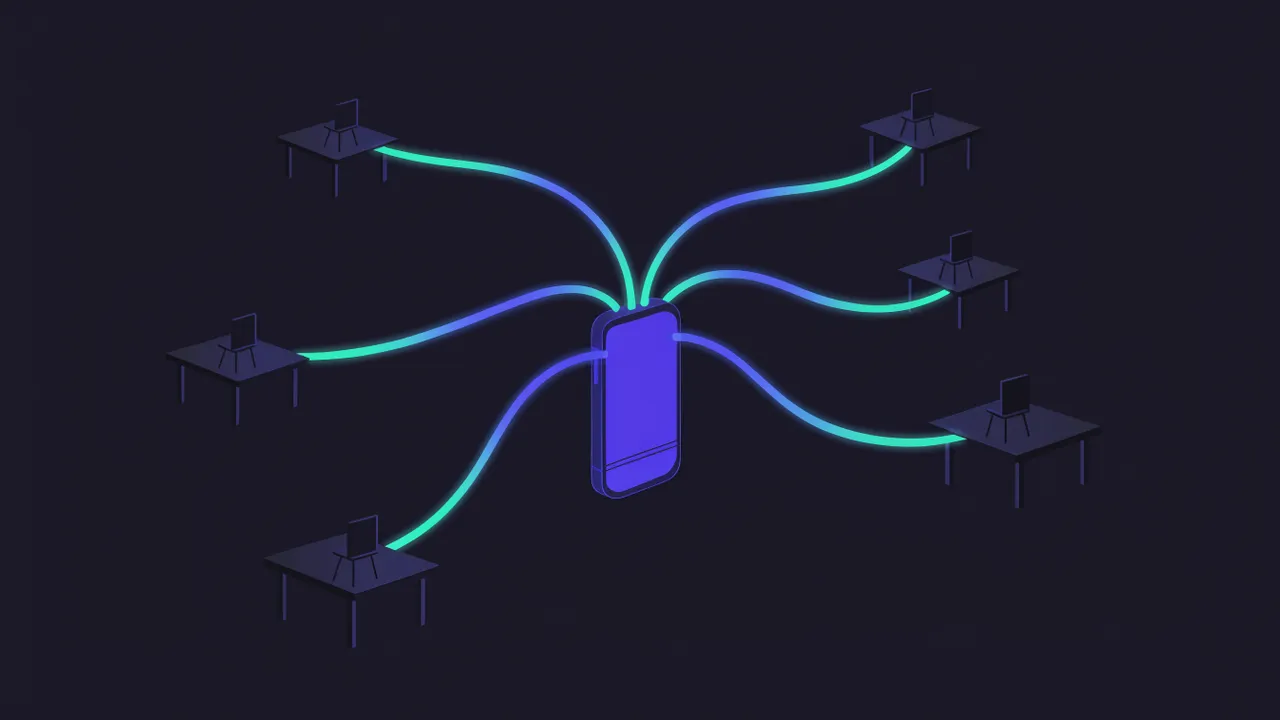
One queue, longest wait first. Every conversation lands in one list. The front desk sees who is unanswered and for how long, and the dashboard tracks first-response time.
Voice notes transcribed. A patient's audio arrives as text, so a three-minute message takes ten seconds to read.
Calendar inside the panel. The clinic's Google Calendar sits next to the conversation. Whoever answers sees the free slot and books without switching screens, and the AI can book what the patient asked for.
Team access per chat. Each person has their own login and sees only the chats you grant. Every message records who sent it: the receptionist, the practitioner or the AI.
The AI drafts, the team approves. The AI prepares a reply in the clinic's tone, and a review in code blocks robotic phrasing before sending. In Confirm mode, the default, nothing goes out without someone's OK. Auto mode is turned on per chat and suits simple replies, like confirming a message arrived.
Install
git clone https://github.com/sumioshi/wacrew && cd wacrew
PANEL_USER=admin PANEL_PASS=change-me docker compose up -d
Link the clinic's number at /config, create team logins at /equipe and connect the calendar at /agenda. Other ways to install are on the home page.
Honest limits
- No clinical advice from the AI. It organizes, summarizes and drafts administrative replies. Symptoms, treatment and results belong to the practitioner, and Confirm mode is there to keep it that way.
- Health data is regulated. Check the rules that apply to you (HIPAA in the US, GDPR in the EU and similar laws elsewhere) before putting patient data into any chat tool, including this one. WACrew runs on your server and conversations never pass through us; the AI provider you configure is the part that leaves your infrastructure. More in WhatsApp AI and privacy.
- Not a bulk reminder system. The connection is unofficial (Baileys) and suits conversations with existing patients. Sending reminders to hundreds of numbers is what gets accounts banned; use the official API or your booking system for that.
- Not an EHR. The conversation lives in WACrew; the medical record stays in your clinical system.
FAQ
Can the AI book appointments over WhatsApp? It can book on the Google Calendar connected to the panel. Who sees whom and each practitioner's hours are still set by you.
Will patients notice it is AI? Replies follow the clinic's writing style and arrive at a human pace. If a patient asks directly, the AI does not lie: it stops and hands the chat back to the team.
Does it work with the clinic's current number? Yes. It links as a device to the number you already use.
Can each practitioner see only their own patients? Yes, by granting different chats to each login.