WACrew

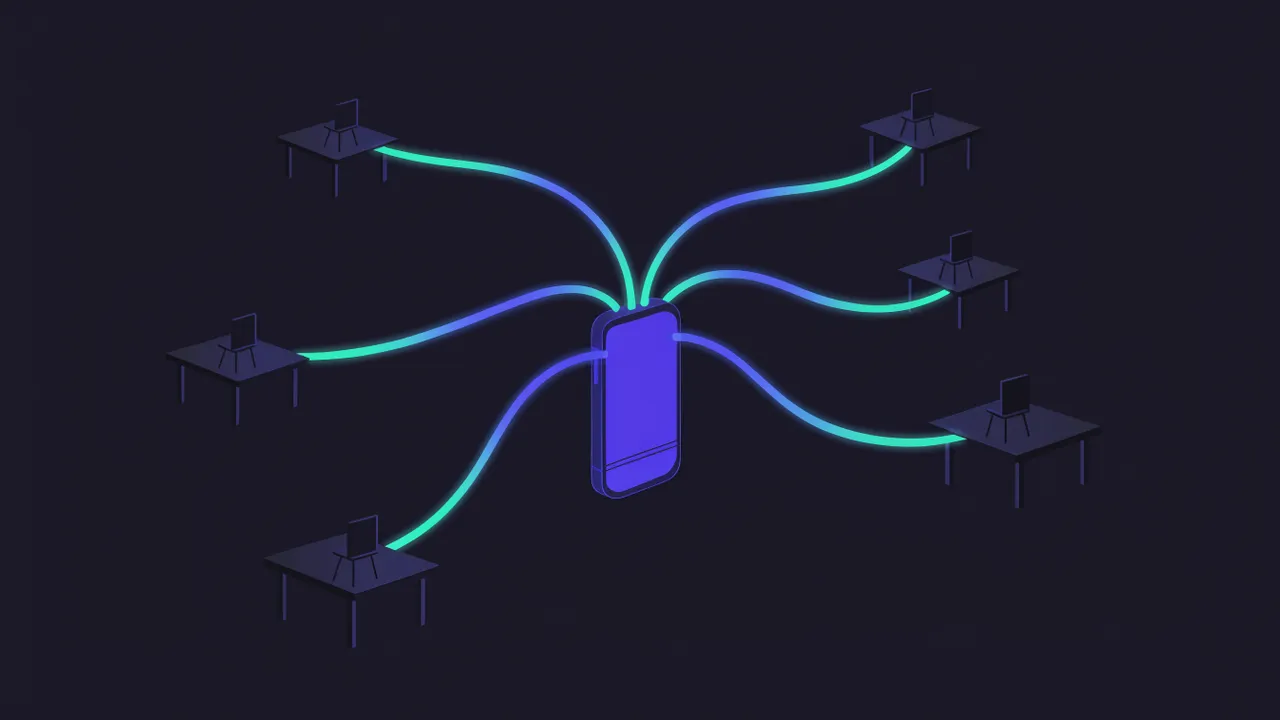
Multi-device is how WhatsApp runs one account on several devices: besides the main phone, up to four linked devices (computer, browser, tablet) keep sending and receiving even when the phone is off.
Each device has its own encryption keys, and messages are delivered to all of them.
Where you meet it
You go to Settings › Linked devices › Link a device and scan the QR code (or use a pairing code). Every automation built on the WhatsApp Web protocol, such as Baileys and whatsmeow, takes one of those slots. WACrew does too: it is one more linked device on your account.
That explains a common effect: what another device sends shows up in your system as sent "from another device". If you run two automations on the same account, each sees the other's messages as yours.
Common mistake
Leaving the main phone idle. If it goes about 14 days without use, WhatsApp logs out the linked devices and the automation stops. Open the app on the phone now and then.
Another one: filling all four slots with old test sessions. Check the list and remove what you no longer use.
Questions
How many devices can I link? Up to four, plus the main phone.
Does WhatsApp Business support multi-device? Yes, with the same linked devices model.
Does linking an automation delete my history? No. The new device just does not receive the full old history; capture starts when it links.
In Portuguese: aparelhos conectados.