WACrew
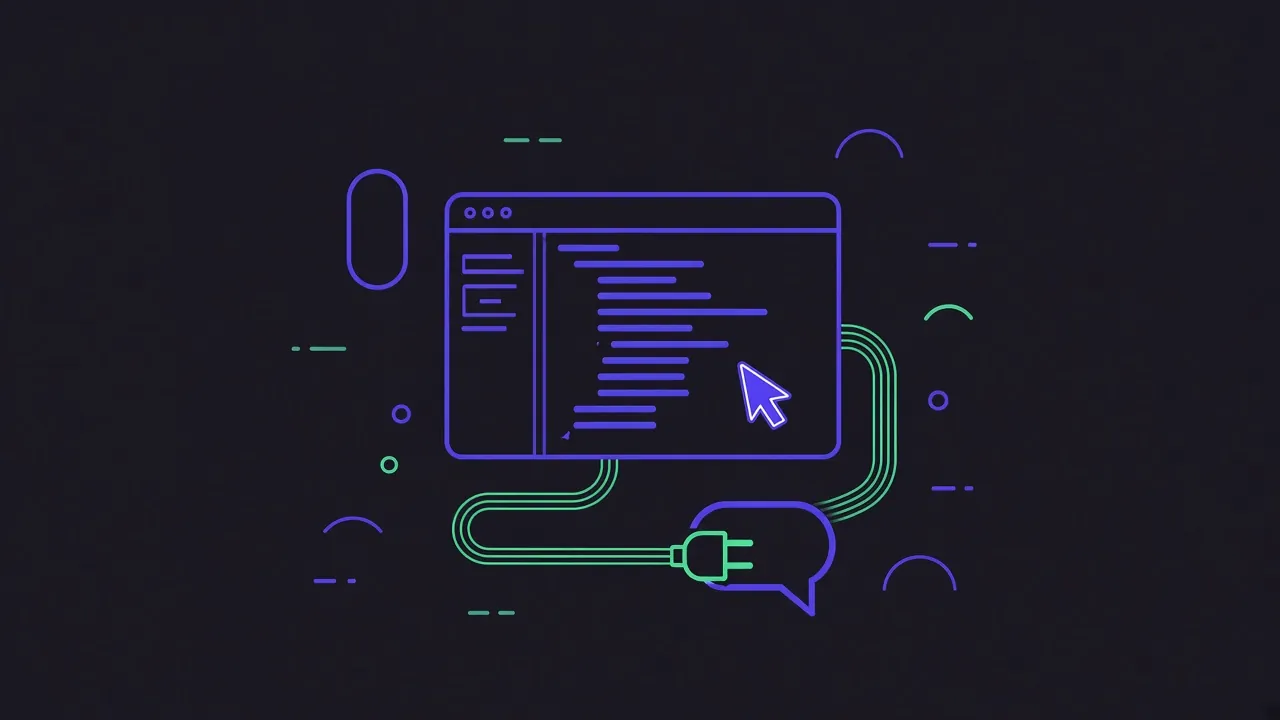
Cursor's agent can call MCP tools, so with a WhatsApp MCP server it can read the client thread behind the ticket you are working on, and answer it without you switching apps. Setup is one JSON file.
For MCP in Cursor in general (transports, scopes, debugging), see how to set up MCP servers in Cursor.
Where Cursor reads MCP servers
~/.cursor/mcp.json: global, every project..cursor/mcp.jsonin a repository: that project only. Do not commit credentials; use the global file for anything with a password.
You can also open Cursor Settings, MCP, and add a server there, which writes the same file.
Add WACrew
With a WACrew collector already running on a server (docker compose up -d, then scan the QR code at /config), add:
{
  "mcpServers": {
    "wacrew": {
      "command": "npx",
      "args": ["-y", "wacrew-mcp"],
      "env": {
        "WAC_CLOUD_URL": "https://your-panel.example.com",
        "WAC_CLOUD_USER": "admin",
        "WAC_CLOUD_PASS": "change-me"
      }
    }
  }
}
Reload Cursor. In Settings, MCP, the wacrew server should list 36 tools. If it shows an error, run npx -y wacrew-mcp in a terminal with the same variables to see the message.
Prompts that work in Cursor
- "Read the last messages in the Acme group and tell me what they expect from this branch."
- "Find where the client described the checkout bug, including voice notes."
- "Look at the last screenshot in that group and compare it with this component."
- "Draft a reply saying the fix is in review, in my style, and show me before sending."
Cursor's agent asks before running a tool unless you set it to run automatically. WACrew adds Confirm mode per chat, on by default, so a reply is always shown to you before it goes.
Other servers in Cursor
lharries/whatsapp-mcp and its forks document Cursor with a uv command and absolute paths in ~/.cursor/mcp.json; the Go bridge must be running separately. whatzmcp uses npx -y github:whatzmcp/whatzmcp. Remote servers on Cloudflare are added by URL. See the comparison.
FAQ
Is there a limit on tools in Cursor? Cursor has had limits on how many MCP tools it sends to the model at once. If you run several servers, disable the ones you do not need for the task.
Can Cursor see images and videos from WhatsApp? Yes through ver_imagem (images go to the model) and ver_video (frames). assistir_video uses a Gemini model to watch video with audio, and needs an OpenRouter key on the collector.
Does it need the collector on a server? Not strictly. Locally, set WAC_DATA_DIR instead of the cloud variables. A server just means you do not miss messages while your laptop is off.