WACrew

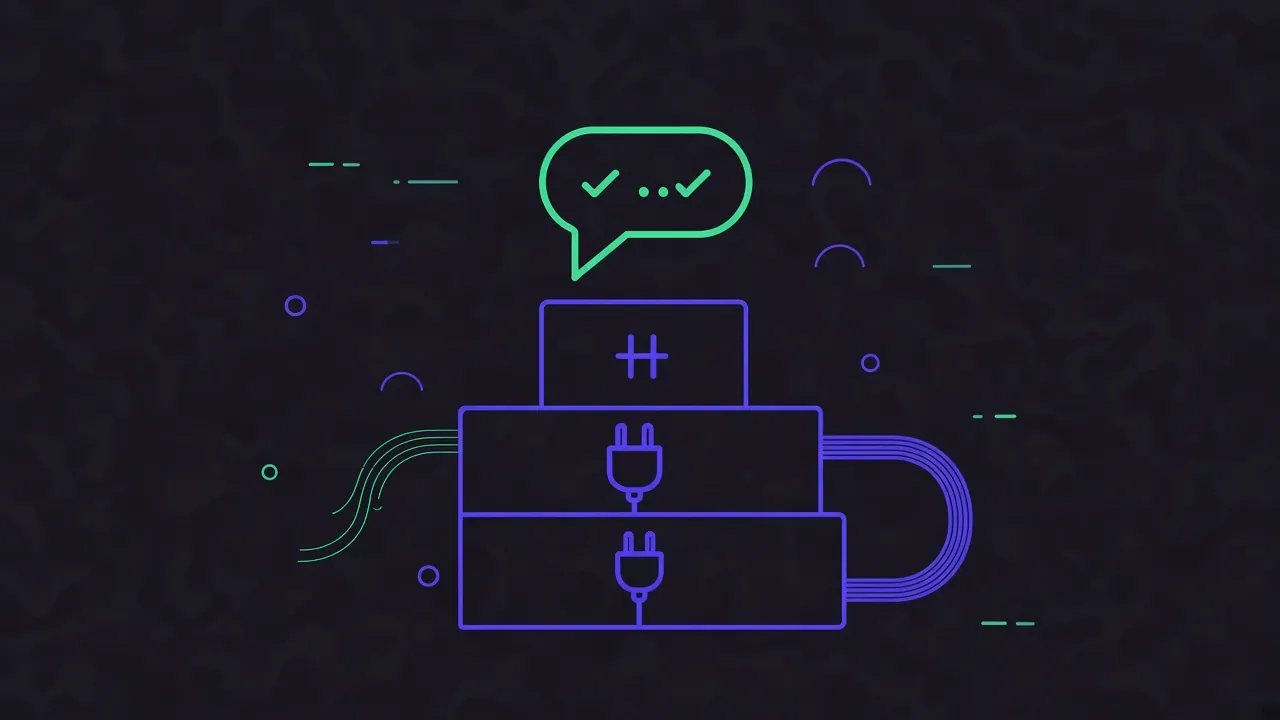
The Model Context Protocol (MCP) is an open standard for connecting AI applications to external systems. Anthropic open-sourced it in November 2024, and the official documentation describes it with a hardware analogy. MCP is like a USB-C port for AI applications, one connector that fits many devices.
This guide explains what MCP is, how the pieces fit together, and how to start using it in the tools you already have.
The problem MCP solves
A language model only knows what was in its training data and what you paste into the chat. It cannot open your files, query your database or read your calendar on its own.
Before MCP, every AI application built its own integrations. A connector written for one assistant did not work in another, so tool makers had to rebuild the same integration again and again.
MCP flips that. You write the integration once, as an MCP server, and every compatible application can use it.
Hosts, clients and servers
The architecture docs define three roles:
- MCP host: the AI application you use, such as Claude Code, Claude Desktop, Cursor or VS Code.
- MCP client: a component inside the host that holds the connection to one server. The host creates one client per server.
- MCP server: the program that provides tools and data. It can run on your machine or in the cloud.
So when Claude Code connects to a filesystem server and a WhatsApp server at the same time, it keeps two separate connections. The model sees the tools from both and picks the right one for each request.
What a server can provide
| Primitive | What it is | Example |
|---|---|---|
| Tools | Actions the model can call | create an issue, run a query, send a message |
| Resources | Data that adds context | a file's contents, a database record |
| Prompts | Reusable instruction templates | "review this diff", "summarize this meeting" |
Tools are by far the most common. When someone says "I installed the GitHub MCP", they mean their assistant gained tools for issues, pull requests and so on.
How the connection works
MCP messages follow JSON-RPC 2.0, and the protocol defines two main transports:
- stdio: the host starts the server as a local process and talks to it over standard input and output. This is the usual setup for servers installed with
npxoruvx. - Streamable HTTP: the server runs elsewhere and the host talks to it over HTTP. This suits cloud services and supports standard authentication, with OAuth recommended.
You rarely deal with either directly. SDKs and hosts handle the protocol, and you mostly write configuration.
Using an MCP server today
In Claude Code, add a local server with one command (docs):
claude mcp add my-server -- npx -y some-mcp-package
Remote servers take a URL instead:
claude mcp add --transport http notion https://mcp.notion.com/mcp
In Cursor, servers go in .cursor/mcp.json for one project or ~/.cursor/mcp.json for all of them (docs):
{
  "mcpServers": {
    "my-server": {
      "command": "npx",
      "args": ["-y", "some-mcp-package"],
      "env": { "API_KEY": "${env:MY_API_KEY}" }
    }
  }
}
After that, you just ask. The model reads the tool descriptions and decides when to call them. Both Claude Code and Cursor ask for approval before running a tool by default, which is worth keeping for anything that acts on the outside world.
Real examples
- Code and files: read and edit files, inspect Git history.
- Databases: run read-only queries against PostgreSQL or SQLite.
- Work tools: Notion, Linear, Sentry, calendars.
- Messaging: the WACrew WhatsApp MCP server gives an agent 36 tools to read groups and chats, transcribe voice notes, inspect screenshots and reply at a human pace. It is on npm as
wacrew-mcpand in the official MCP Registry asio.github.sumioshi/wacrew.
The reference servers repository and the official registry are good places to find more.
MCP vs a regular API
A REST API is designed for developers to call from code. MCP is designed for a model to discover which actions exist, read what each one does and decide when to use it. That is why tool descriptions matter so much in an MCP server. They are the text the model reads to choose.
Many MCP servers are a thin layer on top of an existing API. The API does the work, and the MCP layer makes it usable by an agent.
Security basics
Connecting a model to real tools carries real risk:
- Install servers from sources you trust. A local server runs with your user's permissions.
- Use least-privilege keys. If a server only needs to read, do not hand it a key that can write.
- Keep approval on for outward actions. Sending messages, publishing and payments deserve a human check.
- Treat external content as untrusted. Text read from a web page or an incoming message can try to give the model instructions. Tools that act outside should sit behind review.
Summary
MCP is an open standard that connects AI applications to tools and data. The host is the app you use, the server provides the tools, and a client inside the host connects the two. Install a server once and it works in every compatible assistant.
To see MCP applied end to end, read how to build a WhatsApp AI agent with MCP, or compare existing options in WhatsApp MCP servers compared.